CS Help Pages

Current State Service Blueprint

Where CS Help Pages Fall Short

0 interactions. No context. High effort.

595 million customers arrive already knowing their problem and seeking targeted information or resolution. Help pages provide generic content, can't resolve their issue, and offer no path forward when they fail.

Where customers come from

Customers arrive with intent and context. They already know their issue.

External traffic 595.3M interactions
Google dominant source
Other Search Engines 8+
Social & Community 10+
AI Tools ChatGPT, Gemini
Streaming, News, E-commerce 30+
Email, QR codes in device packaging
All paths converge here.
None carry context.
Help Page 0
interactions annually

Customers arrive through Amazon, but context is still not passed to Help Pages.

Internal traffic ~537.3M interactions
Other Amazon Pages dominant source
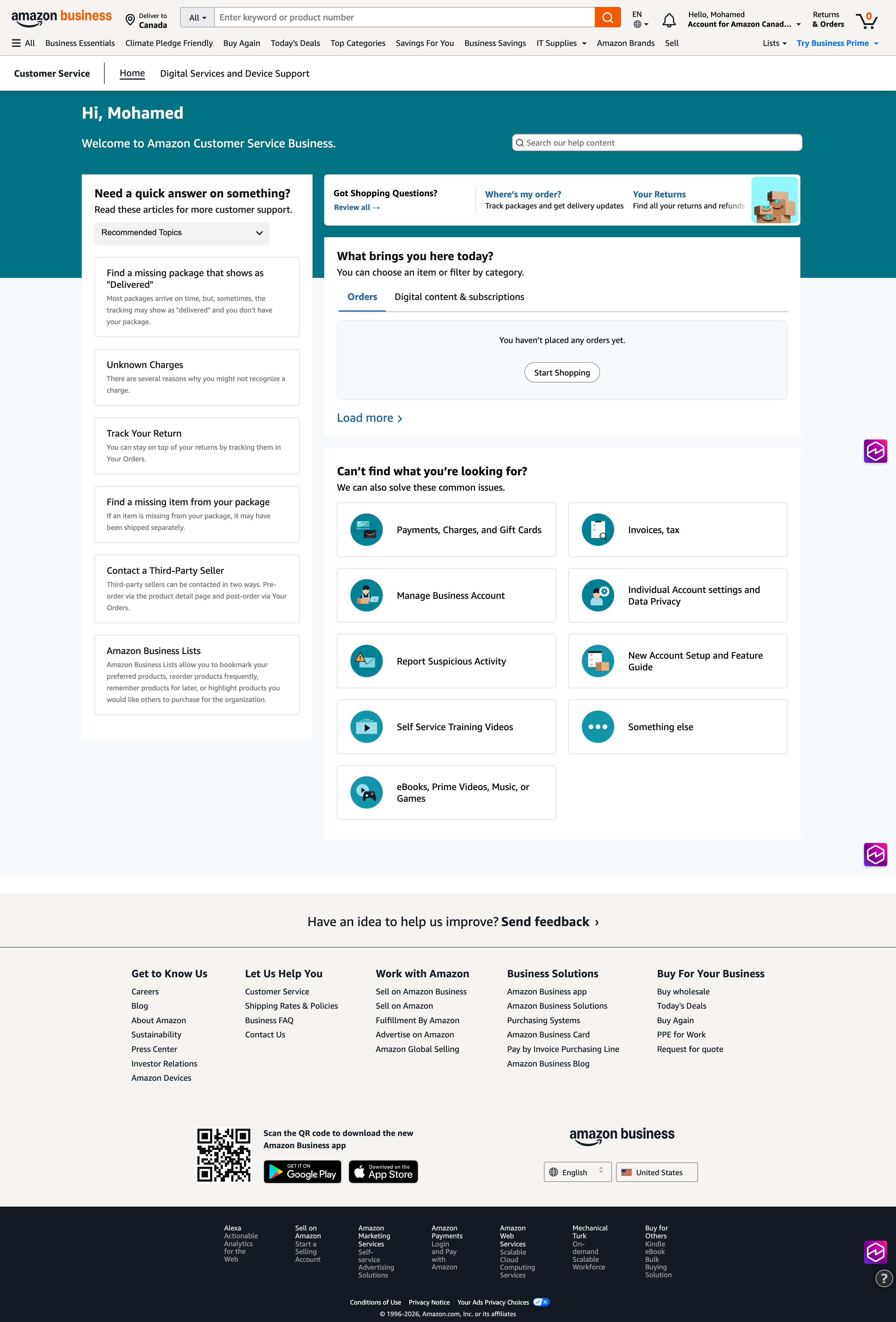
CS Home Page
Your Orders
Your Account
Amazon Properties 10+
Part 2

What happens when they arrive

Select a journey

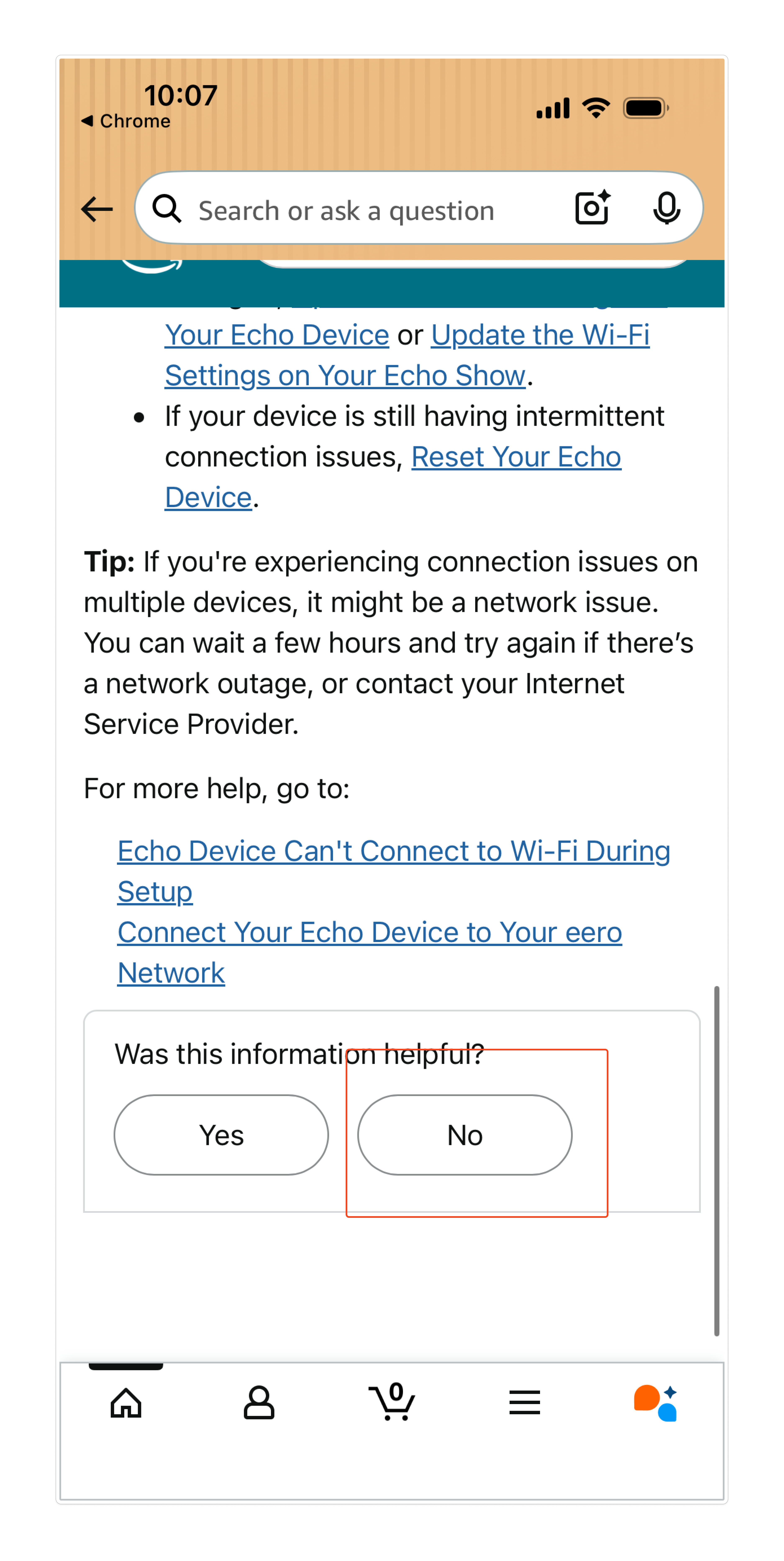
0said help page
was not helpful
0clicks
to resolution
3-5clicks should
be enough

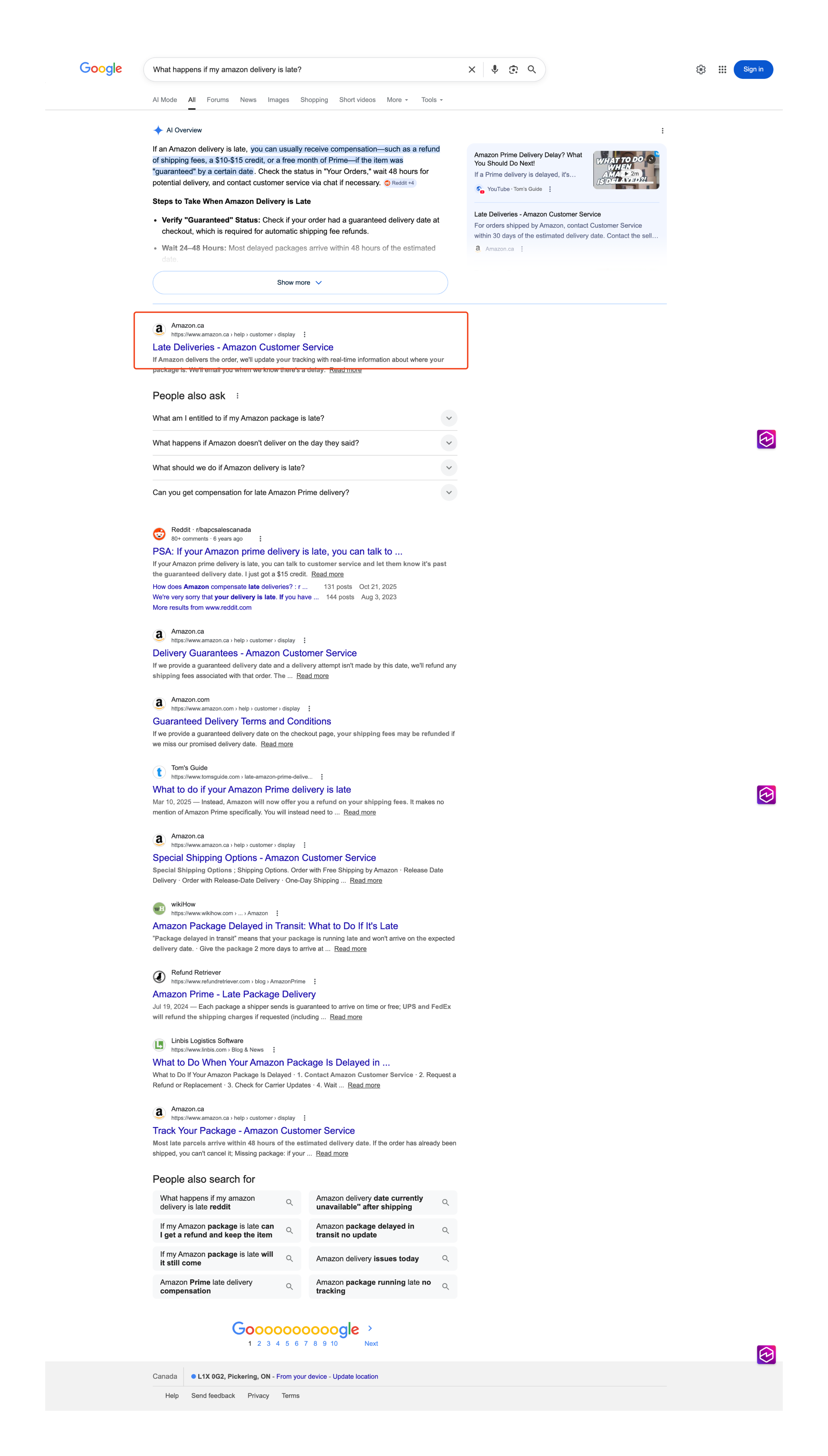
Shipping issue Search for help Generic article No resolution

These are customers who tried to self-serve and couldn't.

Customer ActionsWhat the customer does
1
Notices shipping issue

Checks delivery date, sees it is past due or status is unclear

2
Searches for help

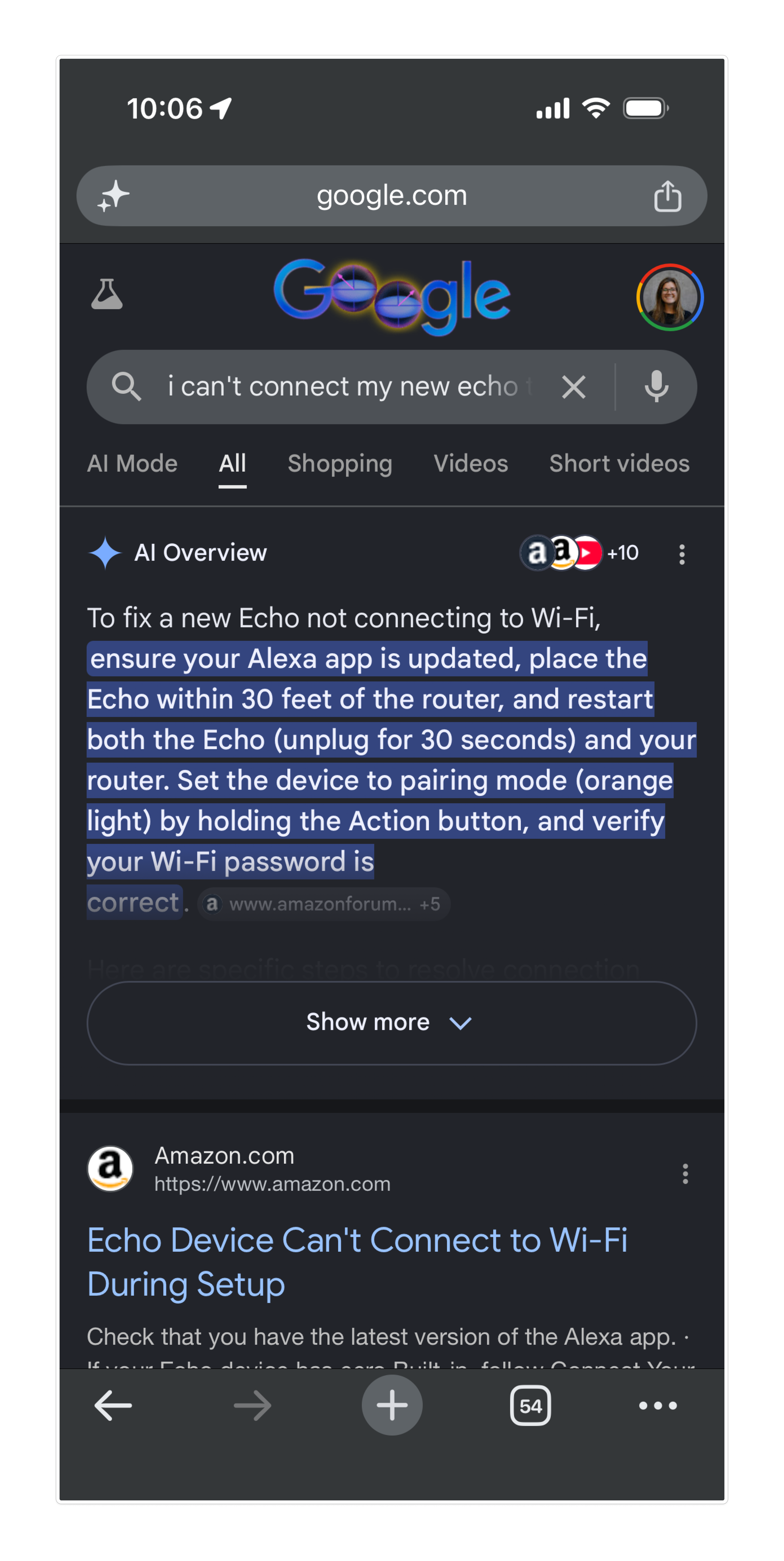
Googles issue, clicks email link, or navigates in-app

3
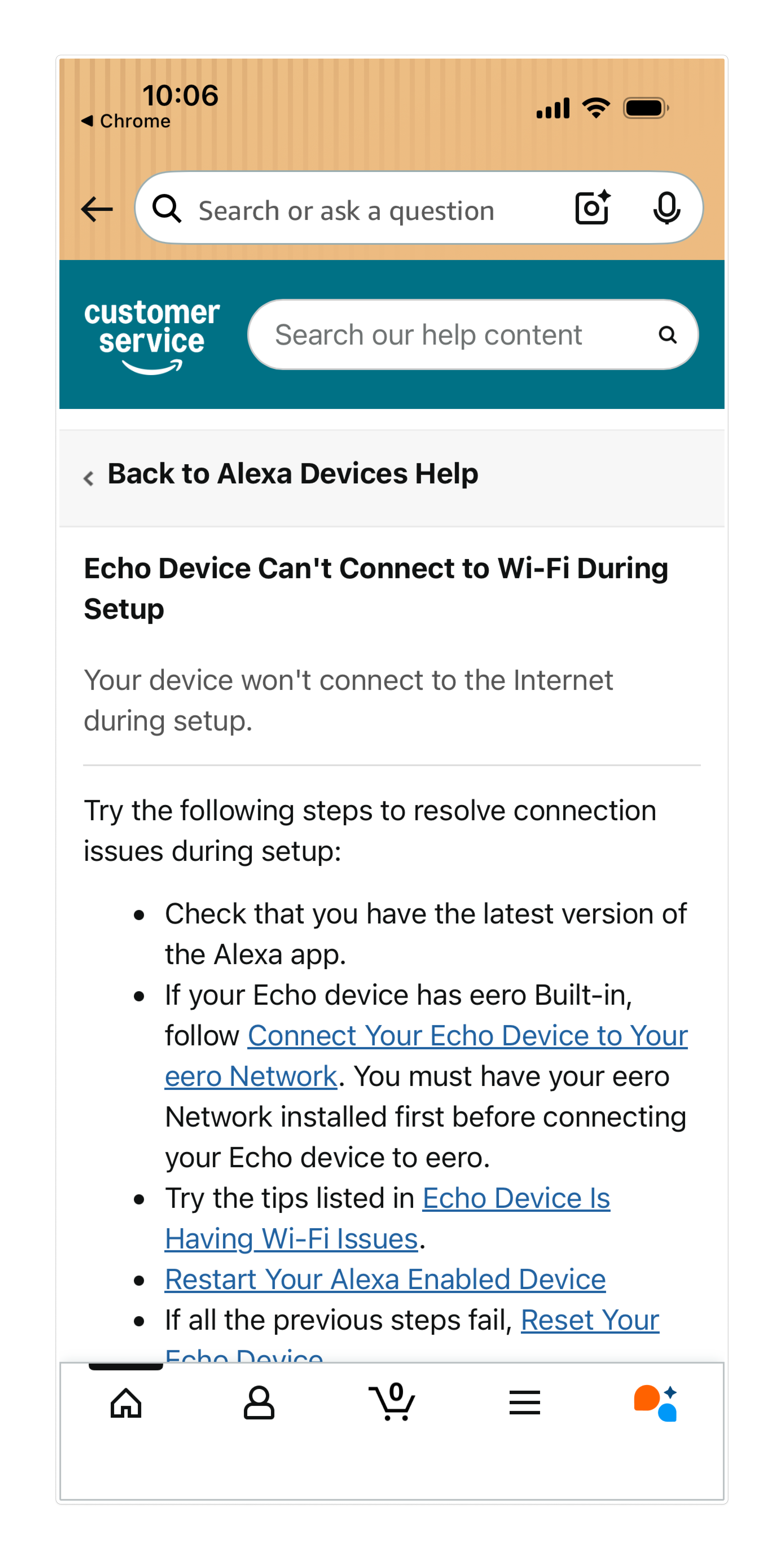
Lands on Help page

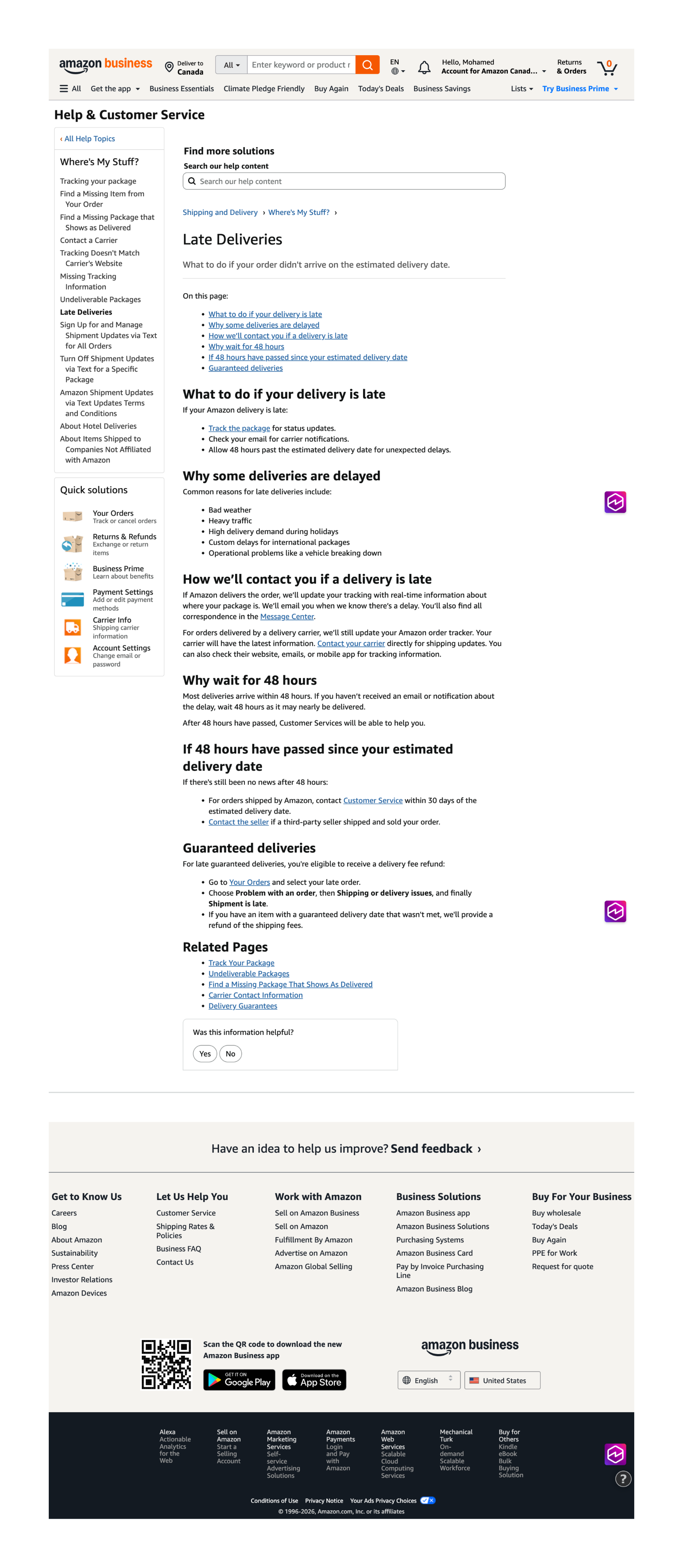
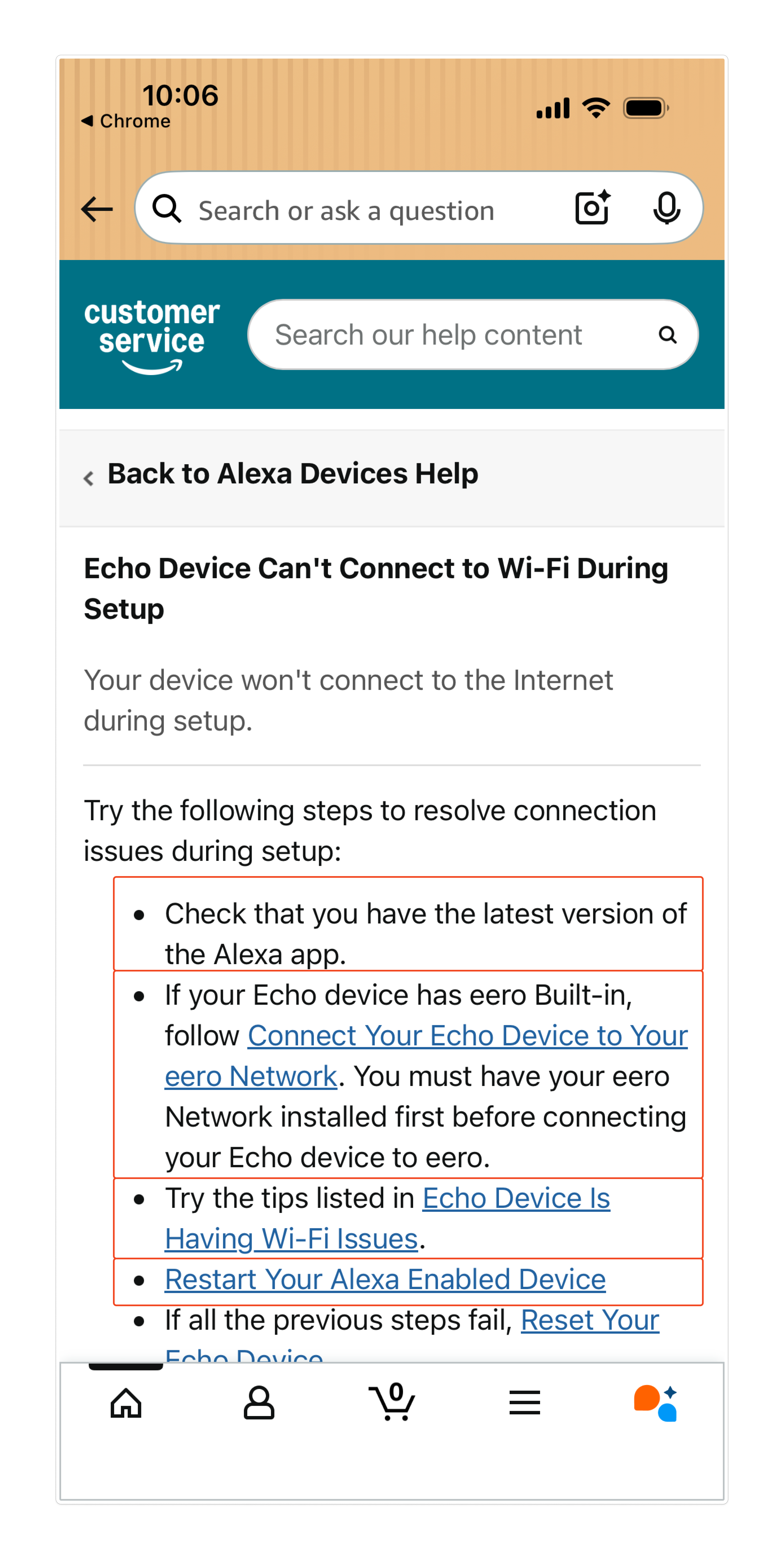
Arrives at generic shipping and delivery article

4
Scans for relevant info

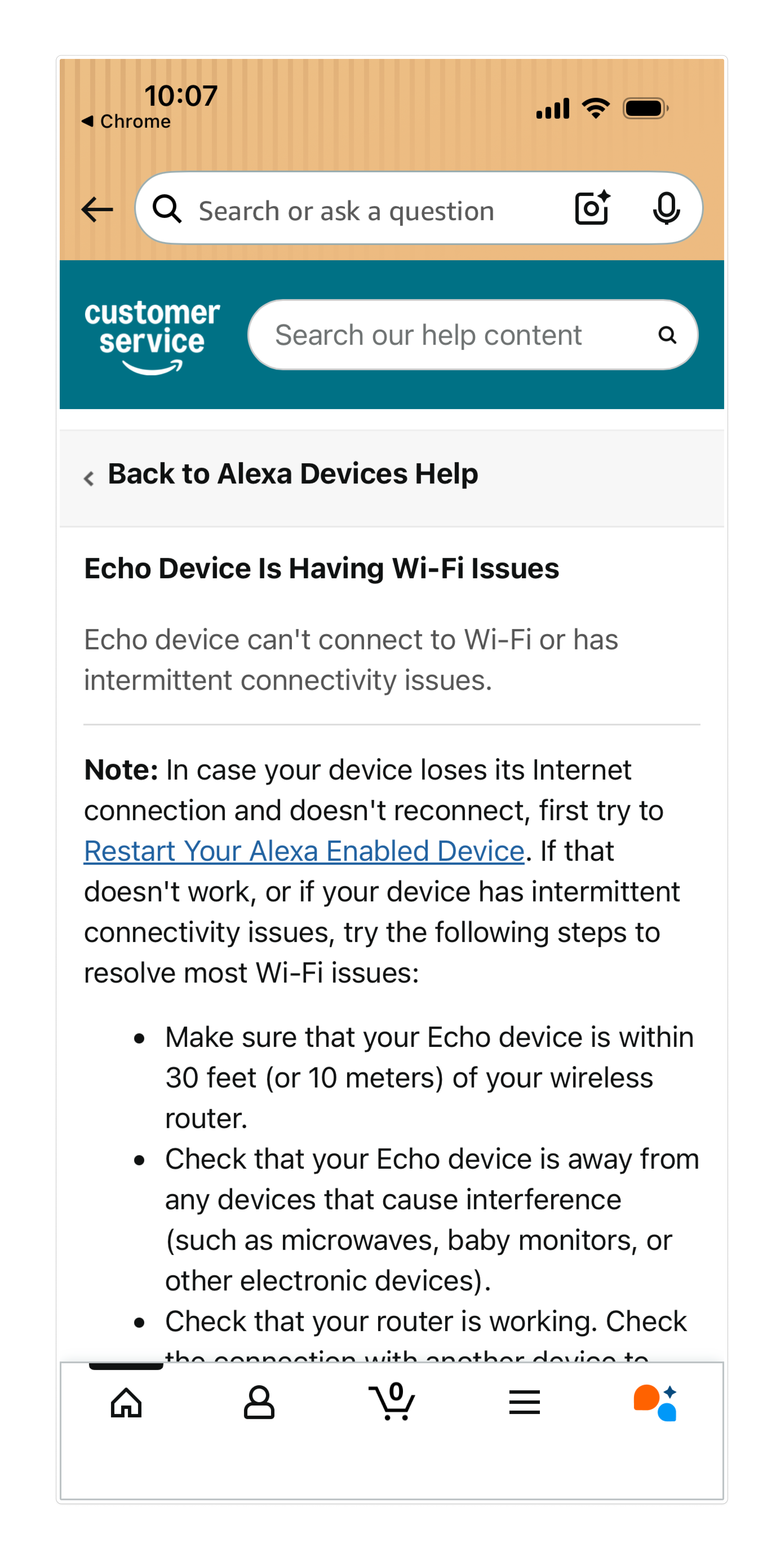
Scrolls through multiple sections looking for their scenario

5
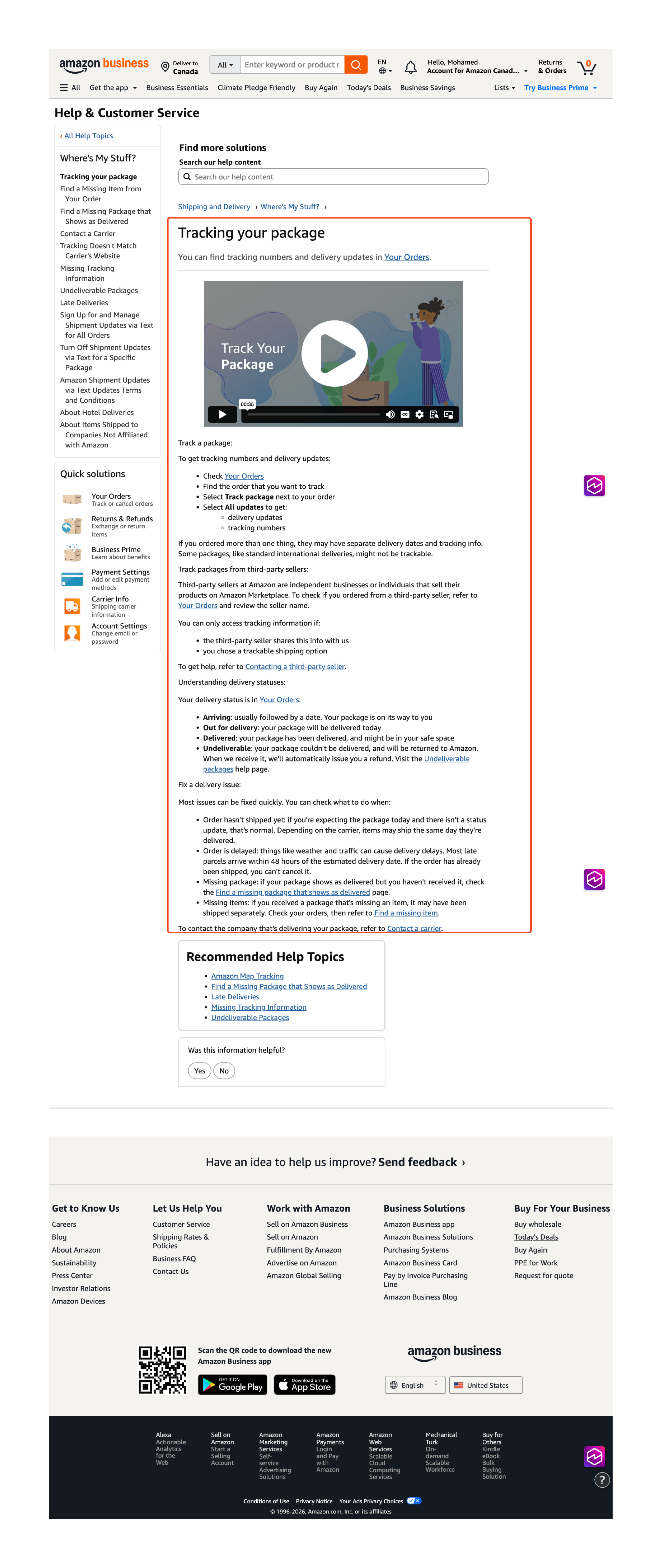
Follows troubleshooting

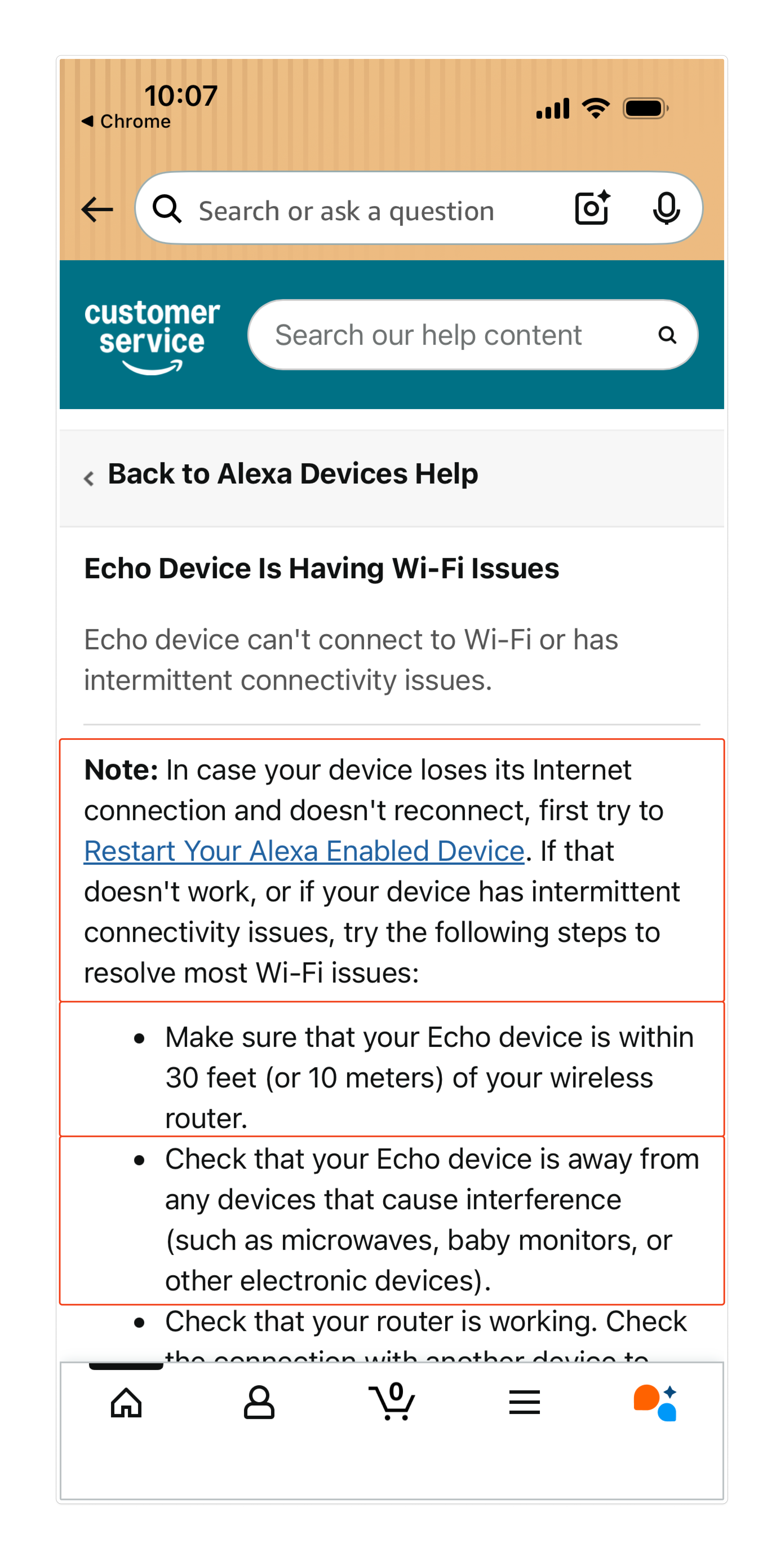
Attempts generic steps: track package, contact seller

6
Navigates to CS Home

Clicks through to CS Home Page to find contact option

LoopingWhere customers backtrack
Retries search
Tries different article
TimeCumulative elapsed (est.)
0:00
0:30
1:00
1:45
2:15
2:39+
ClicksCumulative total (est.)
1
2-4
5-7
8-10
11-14
15-17
Pain PointsWhere the experience breaks
Critical
Detractor
Customer has clear intent and knows their issue
Unauthenticated, no order context. 53% of traffic starts here.
Page does not know who they are or which order they need help with.
No account details, device ownership, or troubleshooting history recognized.
Context from entry point is lost.
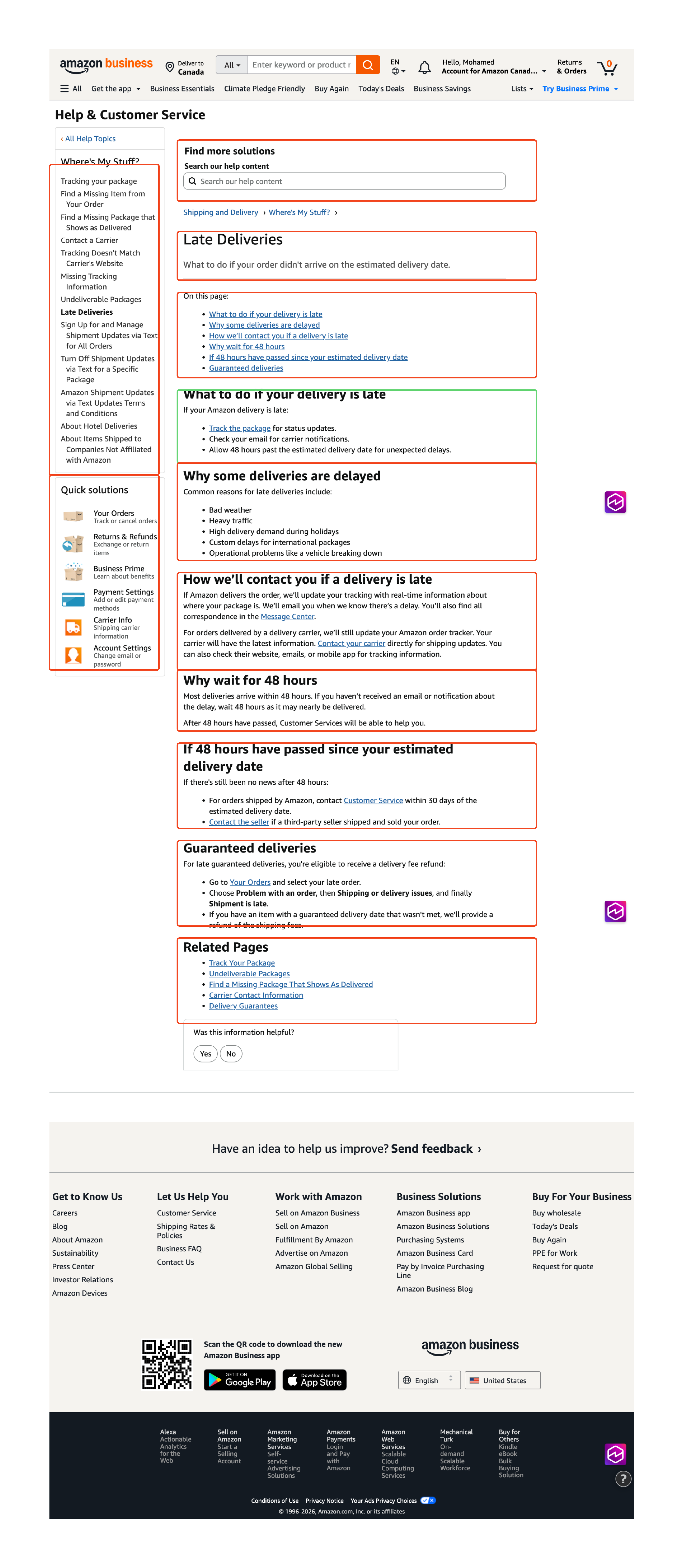
Cognitive overload: static walls of text and no progressive disclosure.
No context carried from previous steps.
Steps are generic with no recognition of prior troubleshooting.
No heading hierarchy. Difficult to track which steps have been followed.
No in-page actions or resolution capabilities. Customer must navigate elsewhere to resolve.
Context lost. Must re-identify issue and re-select order.
Journey resets completely.
What the Customer SeesTouchpoints, screens, and content encountered
Step 1: Order tracking
Step 2: Search results
Step 3: Help page
Step 4: Scanning content
Step 5: Troubleshooting
Step 6: CS Home
TouchpointsInteractions and content encountered

Order tracking UI displays status

Order status pageDelivery notification

Search engine returns Help link

Google results page

Static content, no personalization

Shipping & delivery articleHelp page URL

All scenarios shown at once

Article sections

Generic troubleshooting list

Step-by-step list

Requires full re-entry of issue

CS Home PageContact form
Line of VisibilityBelow this line, the customer cannot see what is happening
Behind the ScenesSystems and gaps out of view
SystemOrder system stores delivery data
GapOrder API + carrier integration exist but are not surfaced to Help Pages
SystemIngress source is logged by tracking systems
GapSource data is not passed to Help Pages. Context is discarded
SystemCMS serves static articles to all users (marketplace dependent)
GapNo H1-H4 hierarchy, no accordions, no progressive disclosure
SystemSearch index and taxonomy exist
GapNot context-aware. Identical content served to all customers
SystemAccount data and order history exist in Amazon systems
GapKnowledge base has no real-time data feed. History not used
SystemCustomer Relationship Management (CRM) and CS Home exist as escalation path
GapNo journey context passed. Customer must re-identify issue from scratch

The pattern repeats

These breakdowns are not unique to one scenario. From shipping issues to device troubleshooting, the same structural patterns emerge across every help page journey.

Looping journeys

7+ pages per session, avg 2:39 navigating

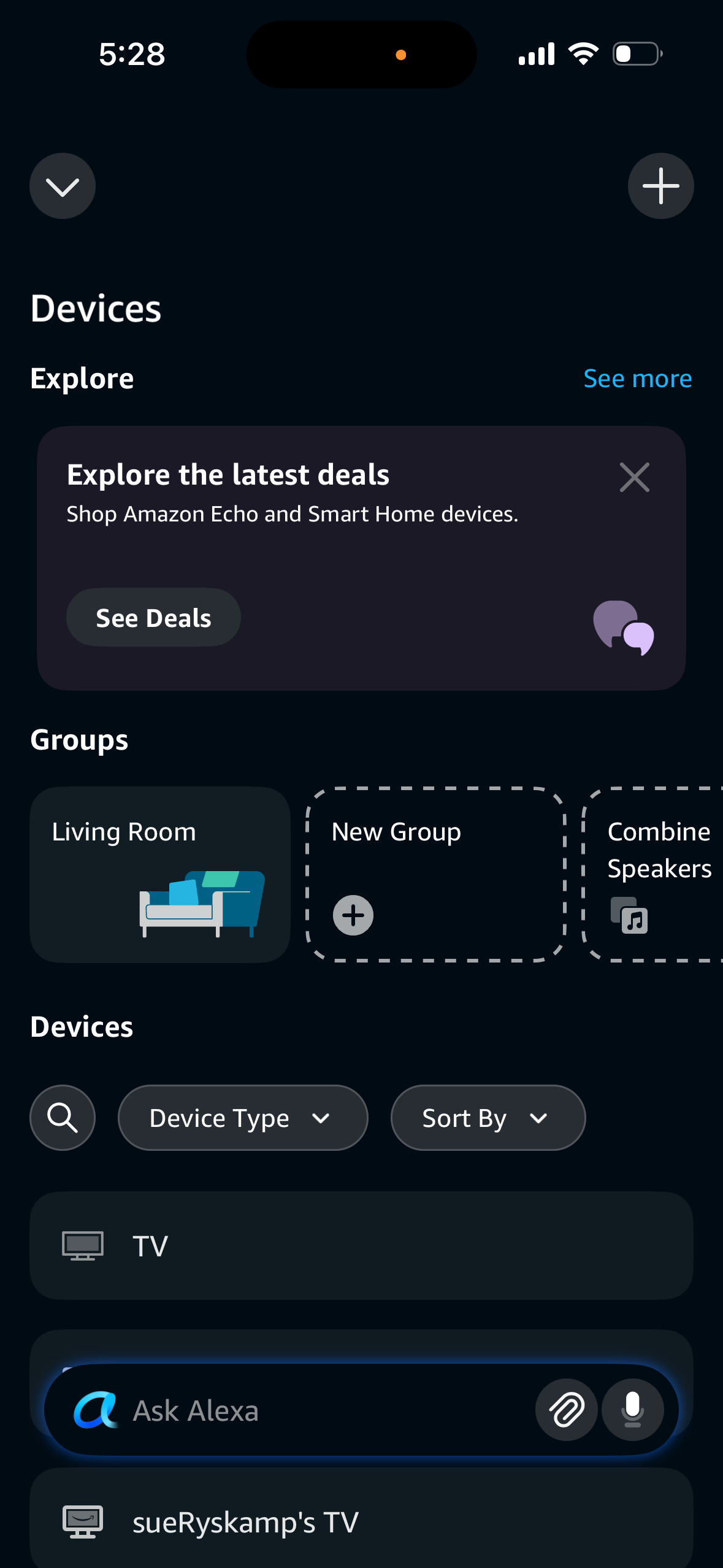
Customers bounce between help pages, apps, and browsers: retrying searches, trying different articles, and copying links across platforms. No single path resolves the issue. Time increases significantly for device and technical support scenarios.

Content overload

No heading hierarchy, no progressive disclosure, no accordions

Articles combine multiple related use cases on a single page. Dense text blocks with no visual separation or filtering by customer context.

Poor search and AI retrieval

Lack of structured content limits discoverability

Help pages lack proper heading hierarchy and machine-readable content, limiting discoverability in search engines and AI-driven support experiences such as Rufus, Alexa+, chatbots, and Google AI. CS Help search itself also has performance issues.

Navigation friction

Shipping & delivery: 17 clicks vs. 3-5 expected

Help articles are buried deep, disconnected from where issues occur. Shipping and delivery takes an estimated 17 clicks across 7+ pages. Device troubleshooting requires 5+ clicks just to reach an article, then offers no escalation path.

Why redirecting to CS Homepage doesn't work

595.3M help page interactions from external search

What customers bring

Context and intent. They've already identified their issue and landed on a page that matches their query.

What redirect costs

3-5 unnecessary steps. Forces them to re-explain their issue and drops the context they arrived with.

The opportunity: invest in context-aware Help Pages with in-page resolution capabilities that meet customers where they are, not where we want them to be.

Steps
1Shipping issue
2Searches for help
3Lands on Help page
4Scans for info
5Troubleshooting
6CS Home