CS UX Service Blueprint Kit

Overview · v0.8.3
1 / 8
Presenter mode · press Esc to exit

Amazon Customer Service · UX Studio

Ship leadership-grade service blueprints that read like a story and hold up months later.

  1. 01 / 03

    Built for the reader

    Land on the artifact cold and walk away with the argument. Two reading rhythms: scroll for the grid, press s for slides.

  2. 02 / 03

    Defensible the day after

    Every claim cross-links to its source in the sidecar. Audits and follow-ups land cleanly months later.

  3. 03 / 03

    One artifact, every audience

    One HTML file, any device, including assistive tech. Send the link, embed it, attach it. The artifact carries itself.

Recently shipped v0.8.3 Aug 4, 2026 Builder guardrails hardened: Kiro now copies template.html as a literal file before touching any markup, runs a drift check before content fills, and the session-1 prompt template ships the file-copy constraint verbatim so it survives any opening prompt. See the details →

What you're building

Two map types, one shape of artifact.

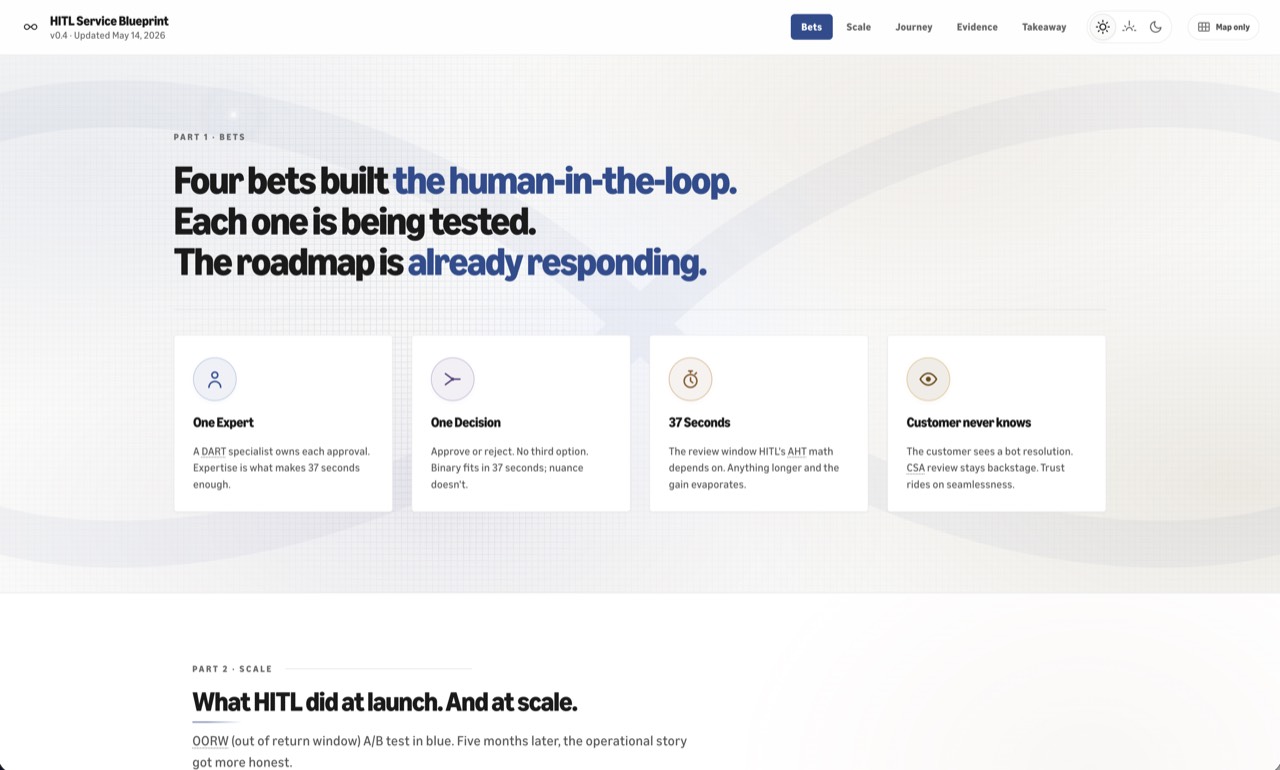
The kit makes both. Service blueprint by default; journey map when the customer experience matters more than the system mechanics. Pick which one fits your story before you author anything else.

Service blueprint

Three layers (customer, frontstage, backstage) divided by interaction and visibility lines. Built for finding gaps between what the system does and what the customer experiences.

Pick this when your story is about how the system shapes the experience: handoffs, gaps, who does what behind the scenes. Audience: leadership, partner teams, anyone who can change how it works.

Sarah Gibbons, "Service Blueprints: Definition," Nielsen Norman Group, 2017.
Journey map

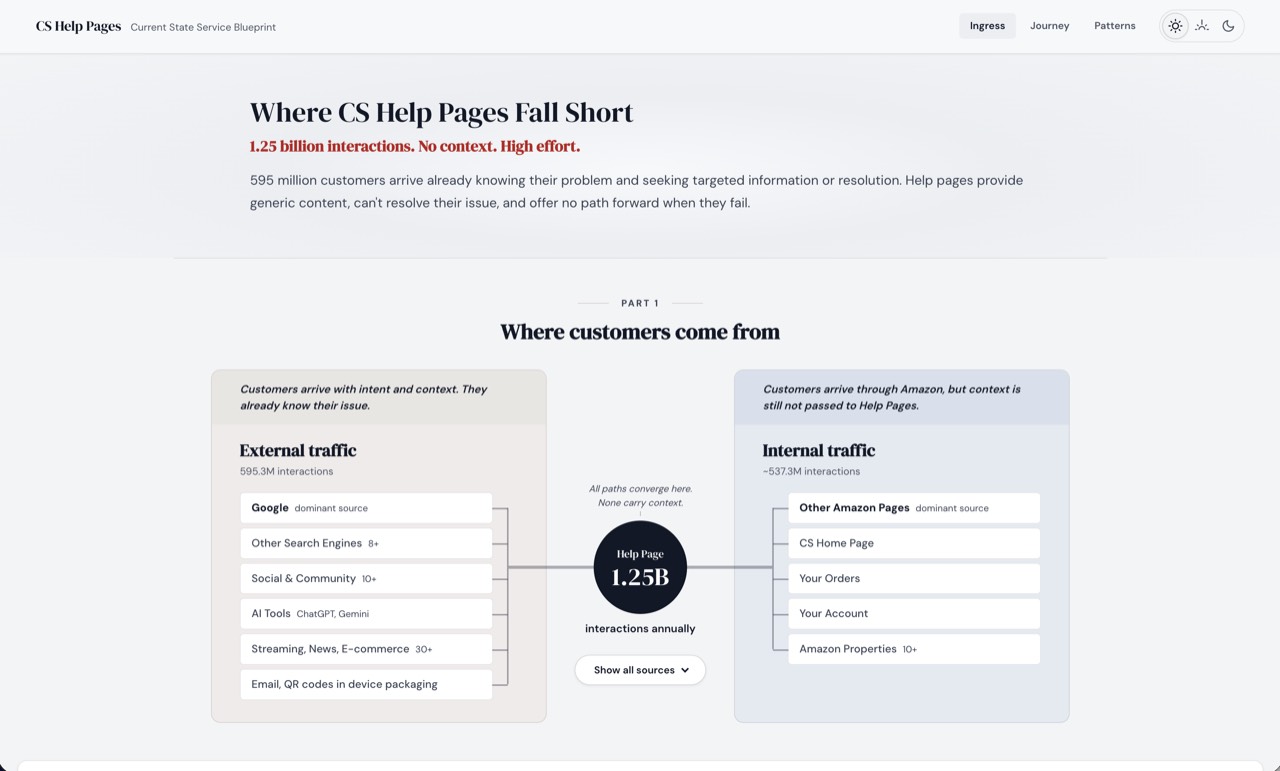
One customer's experience over time in a single layer, with the emotional or effort arc as the hero. Built for empathy with the lived sequence, not for diagnosing system handoffs.

Pick this when your story is about how the customer feels going through this. The arc matters more than what's broken behind the scenes. Audience: anyone reading the experience without needing to act on the backstage.

Kate Kaplan, "When and How to Create Customer Journey Maps," Nielsen Norman Group, 2016.

Most of what we make in the studio is a service blueprint. The kit's compressed shape (3 Parts, customer-only) covers the journey-map case when that's the right fit.

For the builder

Bring the content. The kit shapes the story.

Show up with what you know: evidence, decisions, the answers you already have. The kit handles the rest. The narrative shape, the row composition, the visuals. You spend your time on whether the story is true, not whether it looks right.

Designers, researchers, writers, ops program managers. Anyone telling a journey story for stakeholders. You don't need to know HTML or CSS.

You bring

  • The raw materialbriefs, research, transcripts, screenshots
  • The decisionswhat stakeholders need, what stays out
  • The answersto readiness, setup, and content questions

The kit shapes

  • The narrativefive Parts that build a story, four altitudes for findings, 3-, 5-, or 6-Part shape based on your evidence
  • The compositionwhich rows fit, how each plays grid and slide
  • The visualstypography, color, accessibility, brand

The narrative the kit gives you

  1. Problem

    "Why are we here?"

    "How big is this?"

    Earns attention Earns attention + credibility

  2. Scale

    "How big is this?"

    Earns credibility

  3. Journey

    "What actually happens?"

    Earns understanding

  4. Evidence

    "What's broken?"

    Earns conviction

  5. Diagnosis

    "What's the strategic read?"

    Earns the case for action

  6. Takeaway

    "What's broken?"

    "So what now?"

    Earns action Earns conviction + action Earns action

Bring what's true. Answer what's asked. The kit shapes the rest.

For the reader

Land cold. Walk away with the argument.

Send the link. The reader scrolls, scans, hovers, and walks away with what they need. No setup call, no walkthrough, no preamble.

Read on any device

One HTML file, any browser, including assistive tech. Send the link, embed it in a wiki, attach it to a doc. The artifact carries itself.

Find evidence in seconds

Click any number or quote, land on its source in the sidecar. Click any source, find what it backs. Audits, follow-ups, and the inevitable "wait, where did that come from" all land cleanly.

Two ways to read

Press s for slides. Each stage becomes a single editorial slide for stage-by-stage walking. Press m for map-only, the journey grid alone for analytical scanning.

Your reader gets the artifact, not the build behind it. That's the whole point.

Without the kit

The kit ships the thinking, not just the chrome.

You could build this yourself. Most of us have. Three paths, three things they each leave behind.

For the full inventory of what ships, see capabilities.md.

Your build

Make one. Step by step.

Setup, then five waypoints from brief to shared. Three ways in. Pick the one that fits.

Kiro does the build. This page is your tracker. After Setup, each path below points you to the right Kiro session, and you mark waypoints done as Kiro reaches them. Kiro won't bring you back to this page automatically. Come back yourself if you want to track progress here.

  1. Setup
  2. Brief
  3. Draft
  4. Content
  5. Visuals
  6. Share

Greenfield

I have a brief.

A new project: a problem to solve, an audience, and early evidence (a debrief, a study, scattered data points). Step 1 confirms you're ready and walks you through what's needed.

Do Setup below, then start at Brief and walk all five waypoints.

Bringing existing work?

  • Handoff I have a vibe-coded journey. An artifact you've been building in your existing Kiro session. Time to tighten it into kit shape.

    Do Setup, then in your existing Kiro session paste:

    I want to bring this project into the kit. Read 00-handoff.md and run the handoff steps end to end. Don't ask me to confirm each substep. Produce the handoff folder and tell me where it landed and what to do next.

    ~30 min. The kit ports your project into a kit-conformant draft. Pick up at Content above.

  • Import I have files, no Kiro session. An inherited prototype, a colleague's HTML, a Figma export. The source-of-truth is files only.

    Do Setup, then read 00-bring-this-to-kiro.md and follow its prep steps to gather your files (~15 min). When ready, start a new Kiro chat in the kit workspace and paste:

    I'm bringing files-only project into the kit. Read 00-bring-this-to-kiro.md and the gathered project files, then run an adapted setup interview that takes the artifact as the starting state.

    A new Kiro session reads your files and produces your draft. Pick up at Content above. If you don't have a clear strategic question for this artifact yet, run Step 1's setup with Kiro first.

  1. 5 min

    Get the kit on your machine

    Download the kit, unzip it, open the unzipped folder in a Kiro workspace.

    Your project will live inside this folder at projects/[project-name]/. Kiro creates that folder for you in Step 1.

    Done when the unzipped folder is open as your Kiro workspace and you can see the kit guides (01-readiness-check.md, 02-setup-interview.md), the foundation docs (narrative-structure.md, artifact-identity.md), and a starter/ folder inside it.

  2. 30-75 min

    Set up your project with Kiro

    A scoped conversation: a 13-question readiness check, then the setup interview. By the end you have a brief and a session-1 prompt.

    Kiro does

    • Runs the readiness check
    • Returns a verdict: ready, fold, or stop
    • Transitions into the setup interview on a passing or folded verdict

    You bring

    • Your brief or problem statement
    • 3 to 10 anchor data points with sources
    • 1 to 2 specific journey examples
    • A reference artifact (CS Help Blueprint works as default)

    Paste this · into a new Kiro chat in the kit workspace.

    Read 01-readiness-check.md and 02-setup-interview.md, then run them in sequence with me for [project name]. Start with the readiness check; on a passing verdict, ask if I want to continue, then transition into the setup interview. On a failing verdict, stop and tell me what to do first. On a folded verdict, document my assumptions and ask if I want to proceed anyway.
    Coming back?

    If you stopped after the readiness gate (failed or folded and went to do upstream work) or paused mid-setup:

    Paste this · into a new Kiro chat in the kit workspace.

    Read 02-setup-interview.md and run the setup interview with me for [project name]. I've already passed (or folded) the readiness check.

    Coach aid the Blueprint Kit Coach can sit alongside Kiro for the readiness check or setup interview if you want a thinking partner. Especially useful from a cold start when the brief or session-1 prompt isn't clear yet.

    Done when Kiro returns a passing or folded verdict and you've completed the setup interview portion. Your project folder has a brief.md and a kiro-session-1-prompt.md.

  3. 1-2 hrs

    Build the structural draft with Kiro

    Kiro copies starter/template.html into your project as index.html, then fills placeholders to match your structure. It does not generate HTML from scratch.

    Kiro does

    • Copies starter/template.html into projects/[project-name]/index.html as a literal file copy, not generated markup
    • Confirms the copy renders styled in a browser before touching any content
    • Sets your stage count and the rows your project needs by editing the copy
    • Iterates on structural feedback

    You do

    • Push back on structural decisions
    • Hold off on polishing copy

    Paste this · the contents of projects/[project-name]/kiro-session-1-prompt.md into a new Kiro chat in the kit workspace.

    Coming back?

    If your Kiro chat closed or crashed, re-paste the same kiro-session-1-prompt.md contents into a new Kiro chat. Add a note at the top: "Continuing from previous session. The structural draft was at [where you left off]." Kiro reads the latest snapshot in your project folder and picks up.

    Coach aid the Blueprint Kit Coach is good for a second opinion if Kiro pushes back on a structural decision and you want another voice. Or vice versa: if Kiro lands a decision that feels off and you want help naming why.

    Done when index.html exists in your project folder as a copy of template.html (open it in a browser and confirm it renders styled, not as plain text), the structure feels right, and the placeholders are obvious enough to fill in.

  4. 4-8 hrs

    Fill the draft with real evidence

    A back and forth pass. Kiro drafts each component, you correct, Kiro revises. One section at a time.

    Kiro does

    • Fills bracketed placeholders from your brief and evidence
    • Works one component at a time
    • Revises after your pushback

    You do

    • Hand over real numbers, verbatim quotes, screenshots
    • Push back when copy lands soft
    • Decide what ships
    Coming back?

    This step takes the longest. You can stop after any component lands.

    Paste this · into a new Kiro chat in the kit workspace.

    Continuing the [project name] build. Read projects/[project name]/decisions.md and the latest draft snapshot, then pick up the content fill where it left off. The next placeholder to address is [name the section or leave blank for Kiro to find it].

    Done when no bracketed placeholders remain and every cited number has an entry in the sources sidecar.

  5. 2-4 hrs

    Land the patterns and visuals

    Kiro reads the pattern catalog with you and proposes choices that fit the narrative. You hand over the screenshots and call the audience.

    Kiro does

    • Reads patterns.html and proposes a Part 1 opener, Part 4 shape, and journey closer
    • Updates the draft once you pick
    • Swaps the kit's demo mocks for your screenshots
    • Confirms slide mode (press s) renders correctly across stages. Narrative as hero, screenshots as visual, recommendations as closer.

    You do

    • Hand over real screenshots from your customer's experience
    • Pick the patterns that fit your story
    • Walk slide mode end-to-end and flag any stage where the editorial composition feels off
    • Decide whether the reading guide stays, swaps, or goes

    Done when every visual pattern in the artifact earns its place, the screenshots row tells your customer's story, and slide mode walks cleanly from stage 1 through stage N.

  6. 30-60 min

    Run the pre-share checks, then share

    Kiro walks the artifact against the accessibility and visual-language rules, reports failures, and applies the fixes you sign off on. You decide what ships.

    Kiro does

    • Walks accessibility-checklist.md and visual-language.md against your draft
    • Walks slide mode and grid view both. Confirms two reading rhythms work for your content.
    • Groups failures: kit-conformance vs. builder-owned
    • Applies the fixes you sign off on

    You do

    • Review the failure groupings
    • Decide which fixes ship before sharing
    • Re-test in light and dark, in both grid and slide mode, then share the link

    Then close the loop. Open kit-feedback.md in your project folder, skim what you and Kiro captured during the build, add anything missing, and send it to the kit maintainer. The kit gets better because builders close the loop, not because they fix the kit.

    Failed a check? Fix and recheck

    Builder-owned failures: tell Kiro which to fix and how, let Kiro apply, re-test. Kit-conformance failures: confirm Kiro logs them to kit-feedback.md in your project folder, then ship the artifact with the gap recorded in your project's decisions.md.

    Coach aid the Blueprint Kit Coach can run a pre-share critique pass before you ship. Useful when you want a second voice on the conformance checklist or on whether the artifact lands the decision its brief promised.

    Done when every check passes (or is logged as a known kit-conformance gap), the artifact survives keyboard-only navigation, you've shared the link, and you've sent kit-feedback.md back to the kit maintainer.

You've shipped.

Checklist progress saves to this browser only.

References

See what's been built.

What the kit ships, what builders have made with it, and the thinking behind both.

Accessibility

Accessible by default. Verified per artifact.

Artifacts built from the kit target WCAG 2.1 Level AA. The discipline ships with the kit. Builders verify it before sharing.

What's still open: slide-mode layout below 720px isn't AT-tuned for small viewports yet (mobile falls back to grid mode) · formal third-party AT certification is out of scope · RTL and multi-language need a fork. Tracked in known-fragilities.md.

Boundaries

What the kit doesn't try to be

Naming the boundaries keeps the kit durable. It also tells you where the kit ends and other tools begin.